# Diagnostic

Diagnostic metrics capture basic information of synthetic data, such as the format and validity. They represent the most basic kinds of measurements you can make to ensure nothing is going wrong in your synthetic data creation process.

We expect that diagnostic metrics should almost always achieve perfect scores. The only exception would be if you have made an explicit choice to deviate from the real data in some way. (For example, you purposely want the synthetic data to go out-of-bounds.)

## Diagnostic Report

**Measure basic diagnostic metrics at once.** The [Diagnostic Report](/sdmetrics/data-metrics/diagnostic/diagnostic-report.md) is designed to capture basic diagnostic measurements across your entire dataset at once, reporting areas that may be problematic.

```python
from sdmetrics.reports.single_table import DiagnosticReport

report = DiagnosticReport()
report.generate(real_data, synthetic_data, metadata)
```

```
Generating report ...

(1/2) Evaluating Data Validity: |██████████| 9/9 [00:00<00:00, 458.92it/s]|
Data Validity Score: 100.0%

(2/2) Evaluating Data Structure: |██████████| 1/1 [00:00<00:00, 104.60it/s]|
Data Structure Score: 100.0%

Overall Score (Average): 100.0%
```

## Browse

Alternatively, you can apply diagnostic metrics to individual columns and tables in your data:

* [BoundaryAdherence](/sdmetrics/data-metrics/diagnostic/boundaryadherence.md), [CategoryAdherence](/sdmetrics/data-metrics/diagnostic/categoryadherence.md): measure the validity of statistical values
* [KeyUniqueness](/sdmetrics/data-metrics/diagnostic/keyuniqueness.md): measure the validity of primary keys
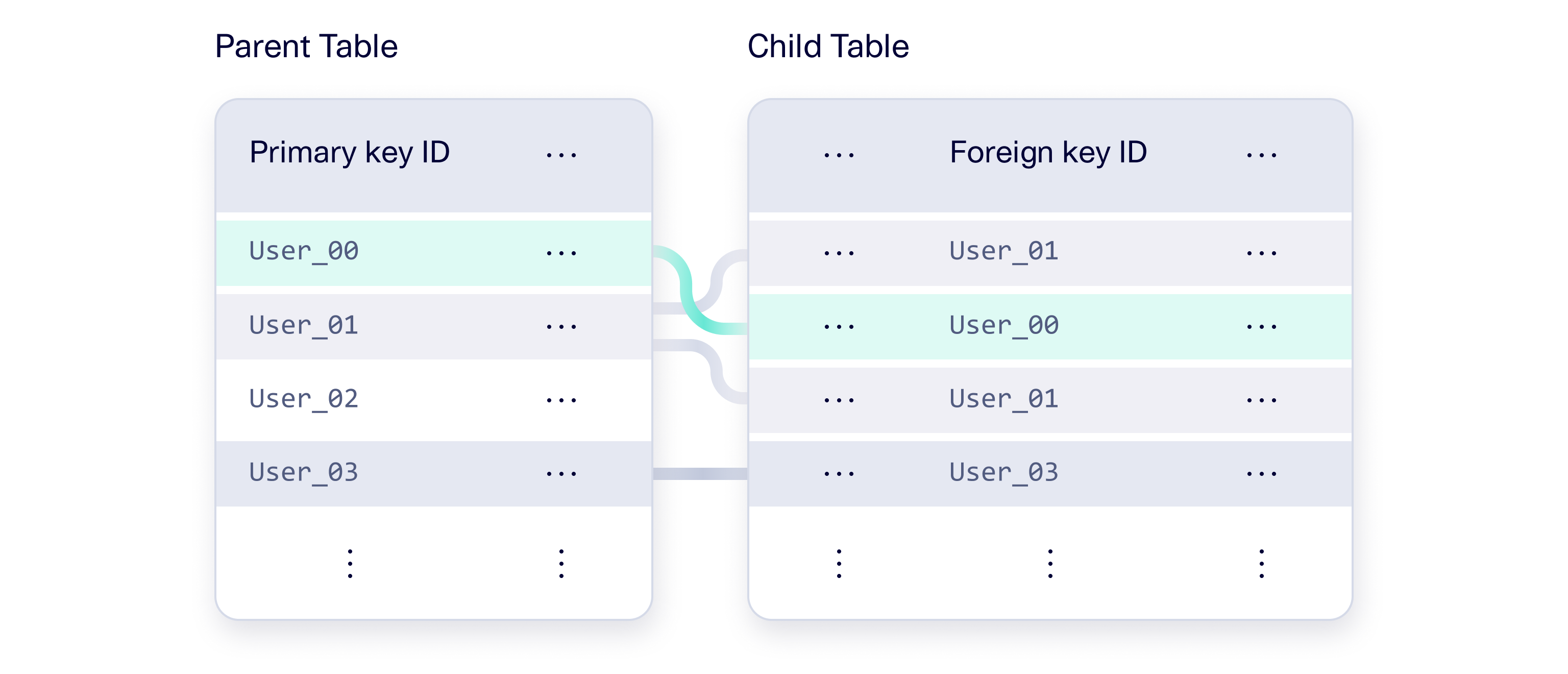
* [ReferentialIntegrity](/sdmetrics/data-metrics/diagnostic/referentialintegrity.md), [CardinalityBoundaryAdherence](/sdmetrics/data-metrics/diagnostic/cardinalityboundaryadherence.md): measure the validity of a connection between a foreign and primary key
* [TableStructure](/sdmetrics/data-metrics/diagnostic/tablestructure.md): measure whether the overall structure of the data is the same


---

# Agent Instructions: Querying This Documentation

If you need additional information that is not directly available in this page, you can query the documentation dynamically by asking a question.

Perform an HTTP GET request on the current page URL with the `ask` query parameter:

```
GET https://docs.sdv.dev/sdmetrics/data-metrics/diagnostic.md?ask=<question>
```

The question should be specific, self-contained, and written in natural language.
The response will contain a direct answer to the question and relevant excerpts and sources from the documentation.

Use this mechanism when the answer is not explicitly present in the current page, you need clarification or additional context, or you want to retrieve related documentation sections.